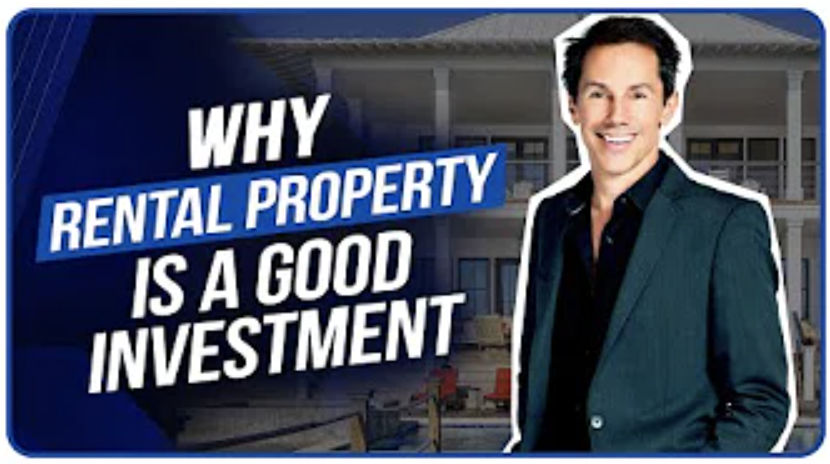
Today, real estate investors are doing everything they can to stay up to date with the industry news. As video is much easier to digest than huge chunks of text, many real estate professionals turn to YouTube as their educational resource of choice.
With dozens or even hundreds of channels related to real estate, YouTube can be excellent for learning more about real estate investment for free, without spending loads of money on expensive real estate courses.
But which channels are really worth your time and effort? The abundance of choice sometimes makes it difficult to differentiate between the truly worthy content and what might be a waste of time. To make it easier for you, we have created this hand-picked selection of the best YouTube channels for real estate investors.
Down below, you’ll find our selection of seven YouTube channels where proven real estate and business experts offer actionable tips that can transform your finances and investments.
1. Jason Hartman
Having been involved in thousands of real estate transactions, Jason Hartman is on a mission to help people become financially free by giving real estate investors the knowledge, resources, research, and technology to successfully deal with real estate investment challenges.
Jason has owned income properties in 11 states and 17 cities and is now trying to pass his own real estate investment experience to his channel subscribers to help them learn how to achieve financial freedom, avoid being taken advantage of by people from Wall Street, and build wealth in today’s economy.
You can check out one of the best YouTube channels for real estate investors here.
2. George Gammon
George Gammon is an ex-entrepreneur turned investor with years of experience in investing in real estate in numerous countries. His YouTube channel will help you build wealth through investing in real estate. He shares his unique strategies that have helped him build his own financial freedom and thrive in today’s economy.
You can check out this YouTube channel by clicking here.
3. Invest Four More
For everyone looking to learn more about house flipping, rental properties, and real estate investments, people behind the YouTube channel Invest Four More are responsible for publishing 8 books on real estate and a blog that gets over 100k monthly visitors.
This is one of the best YouTube channels for real estate investors because it offers before and after videos for house flips, rentals, and real estate brokerage, as well as advice videos on being a real estate agent.
Check out the Invest Four More YouTube channel for more info.
4. Ken McElroy
Ken McElroy is an investor, author, and entrepreneur whose channel keeps all the real estate investors up to date, with a new video being published every Monday. His channel is created with a mission to inspire and empower all real estate investors to grow their mind and money.
In most of his videos, Ken uses whiteboards to better explain his ideas and share his knowledge. To check out videos and subscribe to this highly-informative YouTube channel, click here.
5. Cashflow Diary
J Massey, the man behind the Cashflow Diary YouTube channel, is a real estate entrepreneur, coach, and instructor. With more than 4,000 trainees and an existing podcast (with millions of downloads), J turned his short-term rental business into Cashflow Diary, one of the best YouTube channels for real estate investors that teaches you how you can grow your own real estate business.
You can go to the Cashflow Diary channel for more info.
6. Grant Cardone
Grant Cardone is a real estate millionaire whose company (Cardone Capital) is in control of more than $500 million in real estate capital throughout the southern US. His YouTube channel is regularly updated (several times a day, even) and he shares his own insights into not only real estate investments but also some general sales-related know-how.
Once a week, you’re likely to find live streams of real estate investment training on Grant Cardone’s channel. He specializes in multi-family real estate such as apartment complexes and million-dollar deals. To learn more, consider subscribing to his channel.
7. Phil Pustejovsky
One of the most famous real estate investing mentors in the United States, Phil Pustejovsky has helped transform numerous lives and finances through the power of smart real estate investment. He has founded FreedomMentor.com while his channel is one of the best YouTube channels for real estate investors worldwide.
In his videos, Phil covers a wide range of topics ranging from personal finances, over real estate, home buying, and flipping houses, to passive income sources. To learn more, start browsing Phil’s YouTube channel and decide whether it’s worth your while.
Conclusion
As already mentioned at the beginning of this post, there are literally hundreds of real estate YouTube channels. Even though there are probably loads of great channels we didn’t mention here, we strongly believe that the seven channels presented above should offer something to everyone looking to learn more about finance and real estate investments.